How-to videos
One task each, done by hand in the R3 editor's Inspector, in well under a minute. Each with captions, chapters and the full transcript.
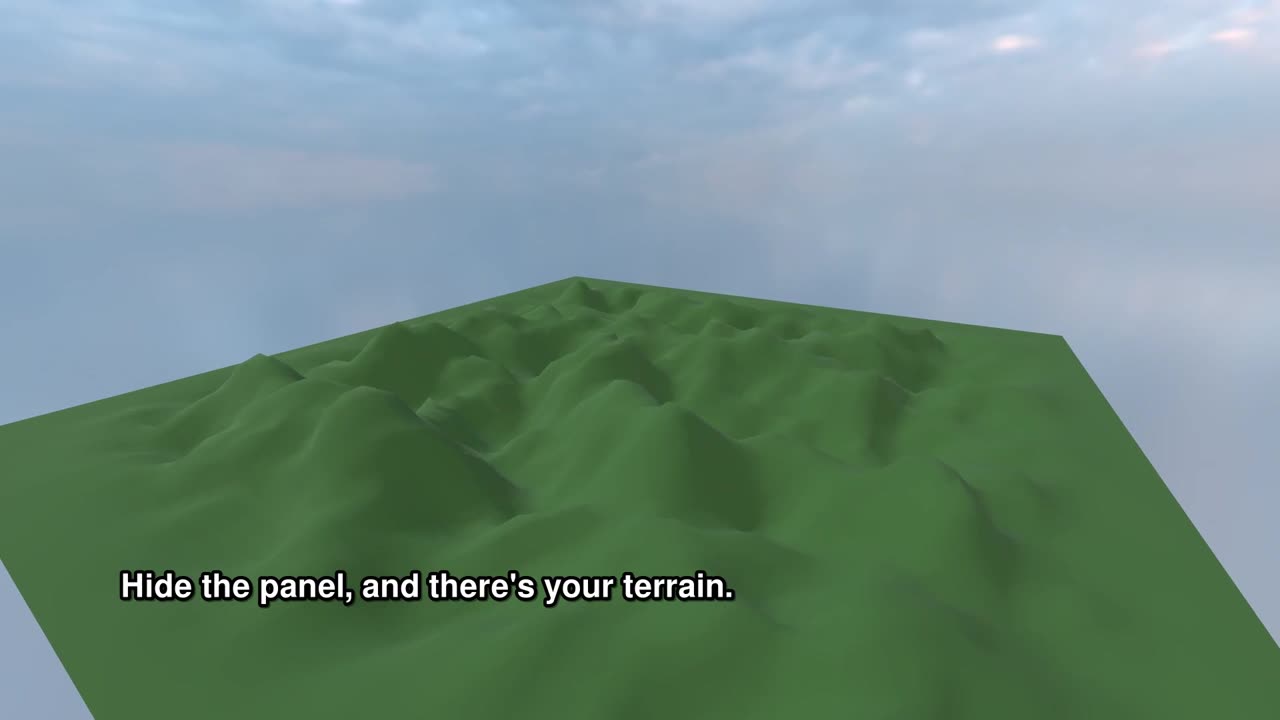
How to randomize a terrain in R3
0:40
Randomize a terrain in the R3 Inspector: give it a size, press Randomize terrain, then set the seed, the hill height and the hill width. 40 seconds, with captions and transcript.
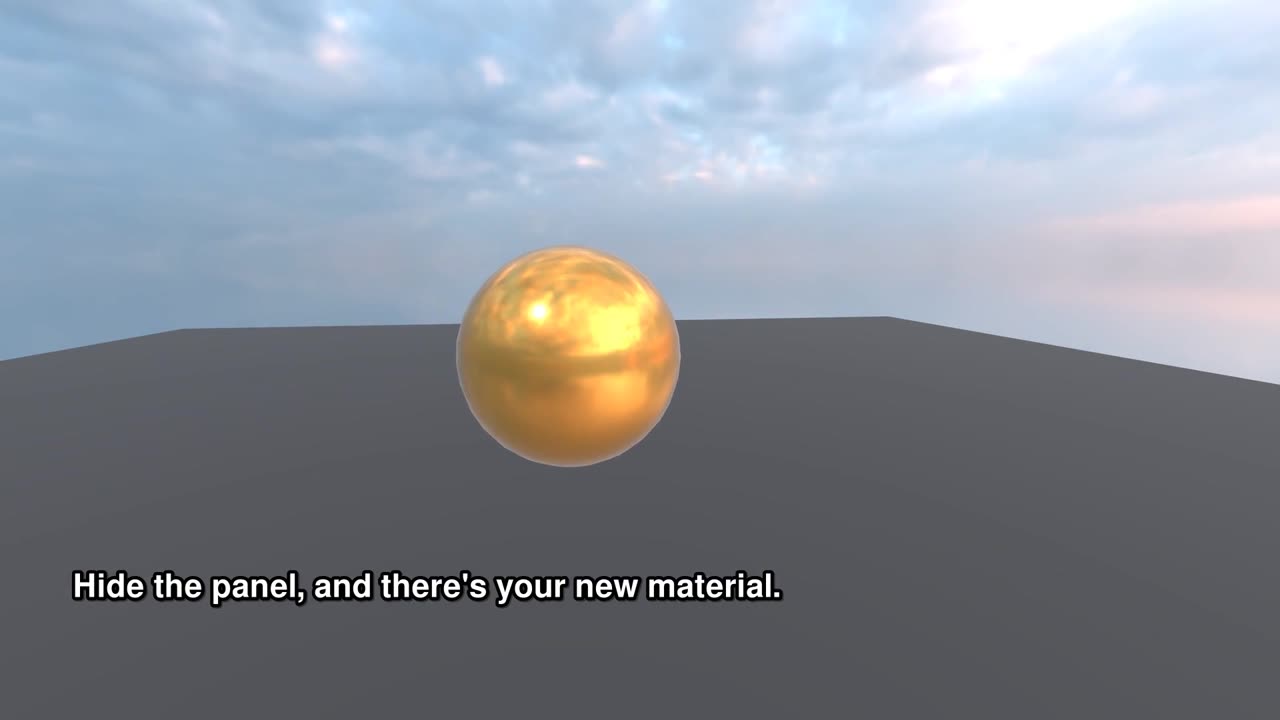
How to change a material's colour in R3
0:34
Change a material's colour in the R3 Inspector: find the mesh's material, drag red, green and blue, then metalness and roughness. 34 seconds, with captions and transcript.
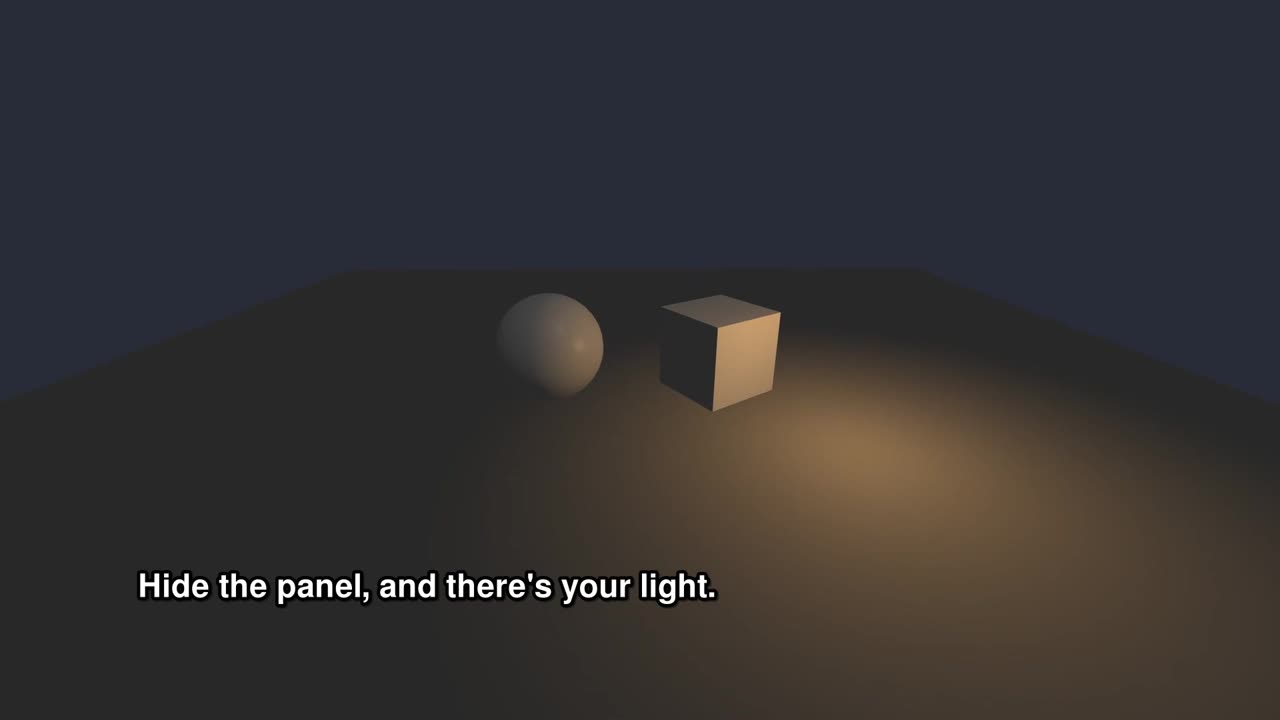
How to change a light in R3
0:31
Change a light in the R3 Inspector: its colour, its intensity, how far it reaches and where it stands. 31 seconds, with captions and transcript.
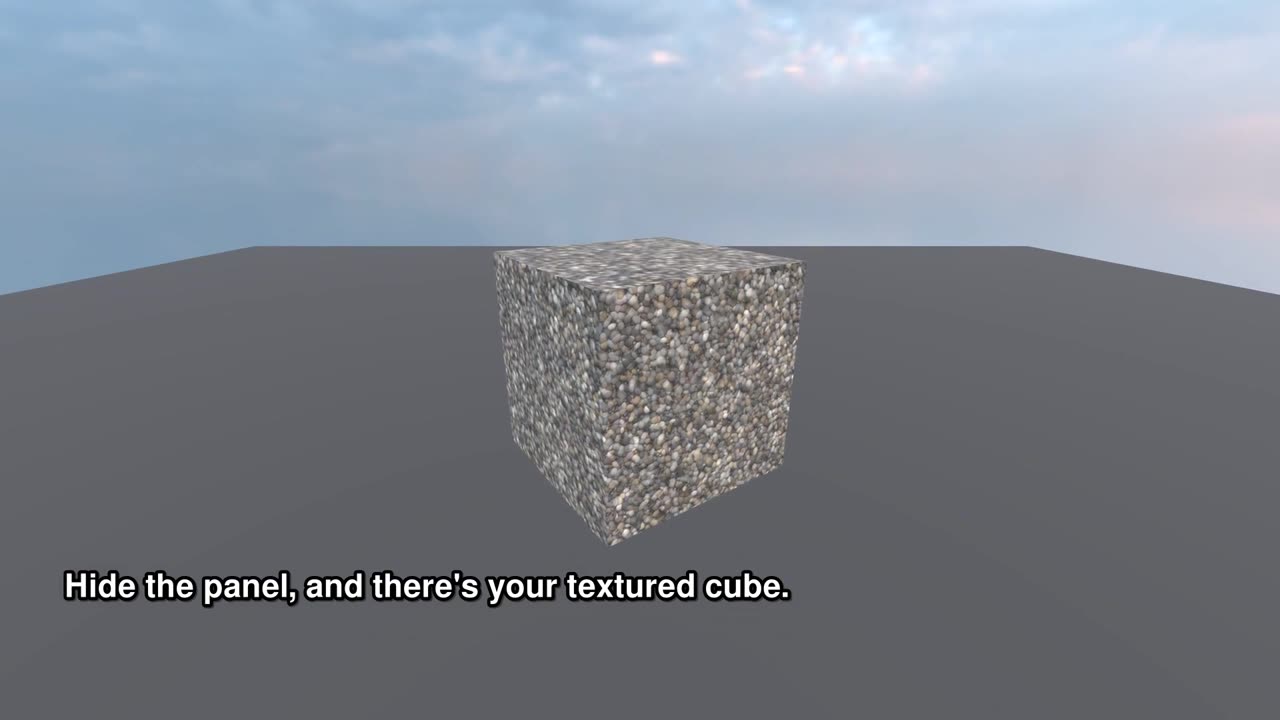
How to assign a texture to a mesh in R3
0:29
Put a texture on a mesh in the R3 Inspector: set the material's Diffuse Map for the colour and its Normal Map for relief. 29 seconds, with captions and transcript.
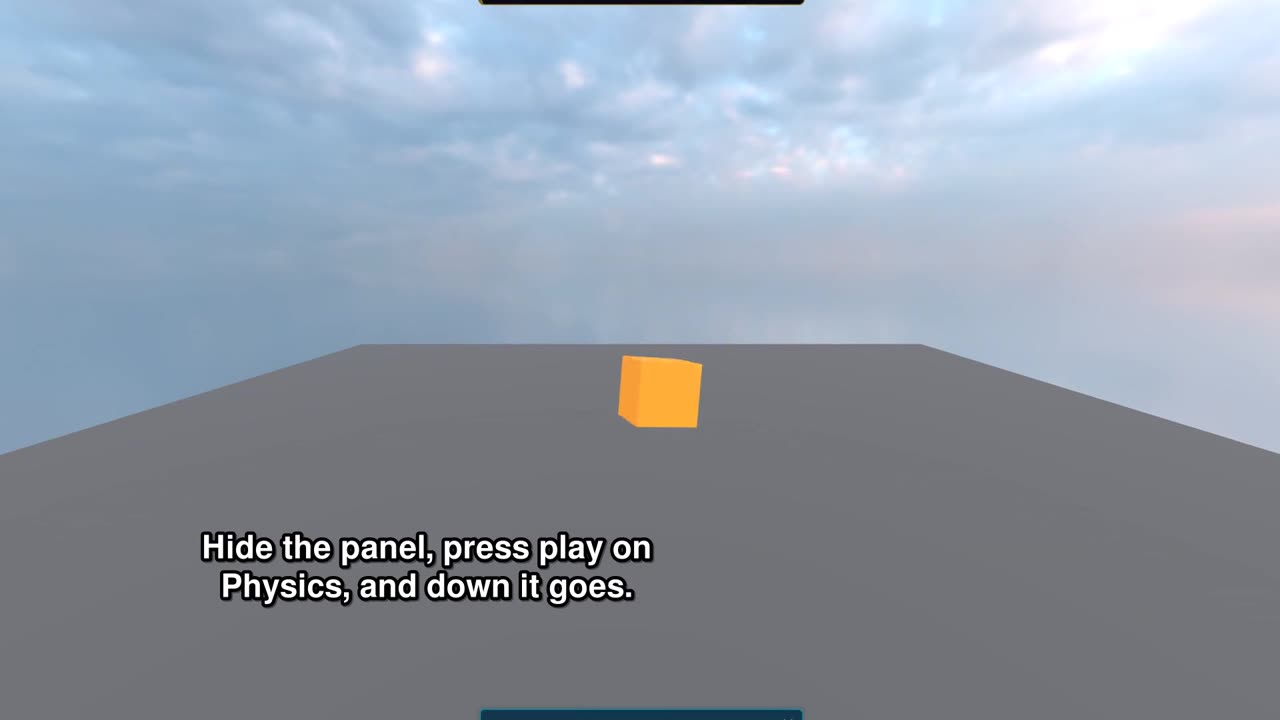
How to attach physics to a mesh in R3
0:32
Attach physics to a mesh in R3: add a rigid body and a collider, set their Mesh, press play on Physics. 32 seconds, with captions and transcript.